Queue CRM

Hosted at appointment.aisparrows.com ยท all data saved (survives refresh & restart)
๐Ÿ‘‘

1 ยท Super Admin (us)

Start here. Add client businesses (e.g. Clinico), set each one's plan, features & integrations, then open a client to set it up.

System owner
๐Ÿข

2 ยท Client Setup

A client's admin (and its branch logins) add branches, machines, doctors & services, booking fields and mapping. Opens from a client in Super Admin.

Client / branch login
๐Ÿ—‚๏ธ

3 ยท Reception (Branch)

The live queue board โ€” book onto slots or live queue, start/finish scans, modify appointments. Client admin sees all branches; a branch login sees one. Opens from a client.

Reception
๐Ÿ“บ

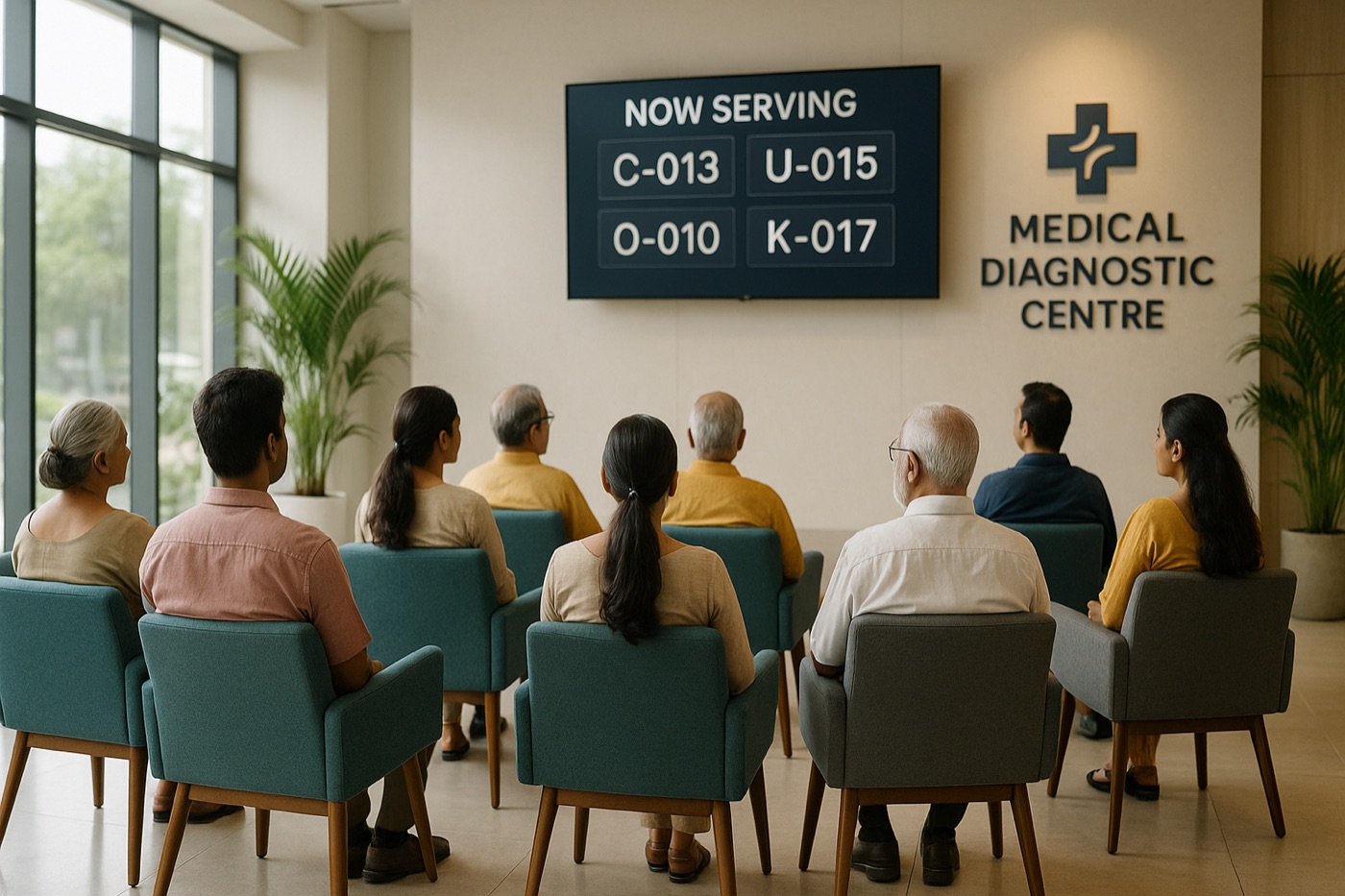
Waiting-area Display

Big "now serving" board for the waiting-room TV. ?branch=Name scopes one screen. Open fullscreen (F11).

Public screen
๐Ÿ“ฑ

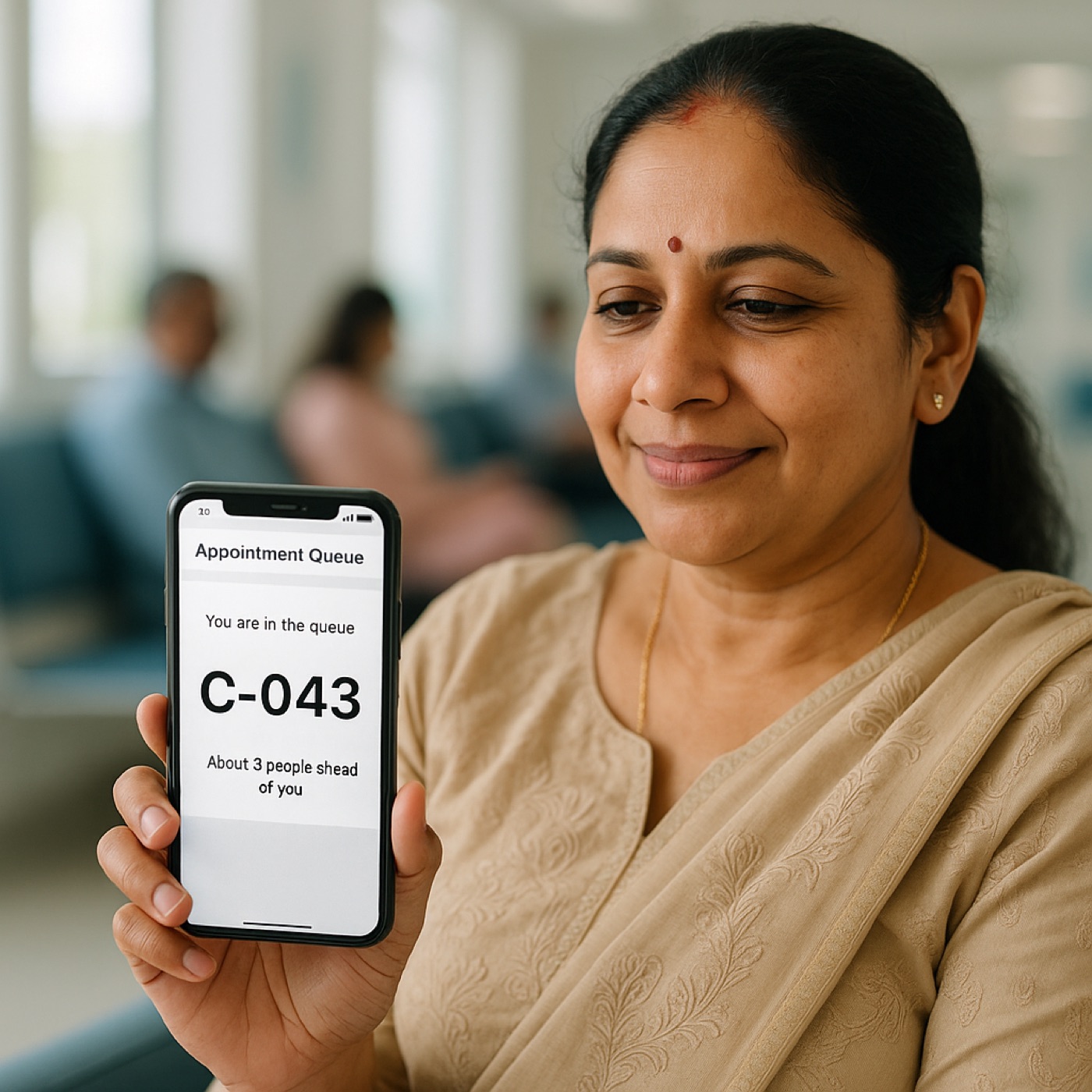
Patient Tracker

The live link a patient gets โ€” token, position, est. wait. Real link is track.html?token=โ€ฆ.

Patient link
Flow: Super Admin โ†’ Client โ†’ Branch. Everything persists on the server (survives refresh & restart). Live-queue mode is available for every service. WhatsApp messaging is intentionally left off. Inbound HMIS pushes accepted at /api/ingest/<orgKey>.